
Have you ever joined a Facebook group, Discord server, WhatsApp community, or online forum and seen someone described as an admin?
You may already know that “admin” is short for administrator, but what does an admin actually do?
The answer depends on where you see the word.
In a workplace, an admin may handle schedules, records, emails, documents, meetings, and day-to-day organization. In a Facebook group or Discord server, an admin may approve members, remove inappropriate content, manage settings, and enforce community rules. In technology, a system administrator can have much more advanced responsibilities, such as managing servers, accounts, networks, and security.
So, the admin meaning is broader than simply “the person in charge.”
In simple terms, an admin is someone who manages, organizes, controls, or oversees a system, group, platform, or set of administrative tasks.
Let’s break down what the term means, where it came from, what admins do, and why the role matters in both everyday life and digital communication.
What Does Admin Mean? 🤔
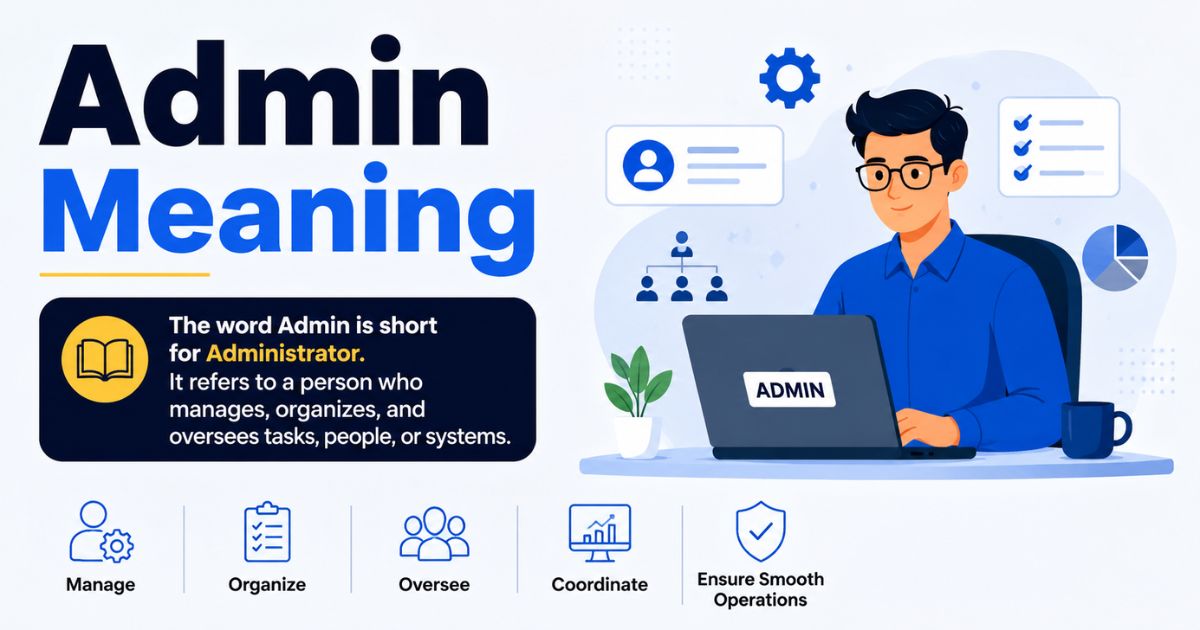
Admin is a shortened form of administrator.
An administrator is someone responsible for managing or organizing something.
The exact responsibilities depend on the environment.
For example:
- A workplace admin may organize meetings and documents.
- A Facebook group admin may manage members and posts.
- A Discord admin may enforce server rules.
- A website admin may manage content and user accounts.
- A system admin may maintain computer systems and networks.
- A school admin may help manage educational operations.
When someone says:
“Ask the admin.”
they usually mean:
“Ask the person who manages or controls this group, system, or organization.”
In online communication, admin often refers to someone who has special permissions that regular users don’t have.
Origin of the Term Admin 📜
The word administrator has a long history and comes from the Latin administrare, meaning roughly to manage, direct, or serve.
The shortened form admin developed naturally as people began using the term frequently in workplaces and later in computing and online communities.
As technology expanded, the word became increasingly associated with people who have management or control privileges.
Today, you might see “admin” used in everything from office jobs to social-media groups and computer systems.
Timeline of Admin Evolution ⏳
The meaning of admin has evolved alongside technology and organizational life.
Traditional administration: Administrators handled records, correspondence, scheduling, finances, and organizational tasks.
Office computing: Administrative work increasingly involved databases, spreadsheets, email, and digital documents.
IT administration: Technology created specialized roles for managing networks, servers, operating systems, and user accounts.
Online communities: Forums, websites, and social networks introduced admins who could manage users, content, and platform settings.
Modern digital platforms: Admin permissions now appear in collaboration tools, messaging apps, gaming communities, websites, business platforms, and cloud services.
The core idea hasn’t changed much: an admin manages something and usually has authority or responsibility that ordinary users don’t have.
Roles and Responsibilities of an Admin 🛠️
An admin’s responsibilities can vary dramatically.
A workplace administrator might spend most of the day organizing schedules and documents. An online community admin might focus on moderation and member management.
Common administrative responsibilities include:
Managing information: Admins may organize records, files, documents, and databases.
Managing users: Digital admins may create accounts, remove users, change permissions, or approve membership requests.
Maintaining rules: Community admins often make sure members follow established guidelines.
Coordinating activities: Workplace admins may schedule meetings, appointments, events, or deadlines.
Handling communication: Admins may respond to questions, send announcements, and communicate important updates.
Monitoring systems: Technical admins may check system performance, security, backups, and access controls.
Solving problems: Admins are often the first people users contact when something isn’t working correctly.
An admin isn’t necessarily the highest-ranking person in an organization. The role simply means they have specific administrative responsibilities or permissions.
Types of Admin Roles 💼
There isn’t just one type of admin.
The title can describe several different jobs and responsibilities.
Office Administrator
An office admin helps keep a workplace organized.
Typical duties may include scheduling, filing, answering calls, preparing documents, ordering supplies, and coordinating meetings.
Administrative Assistant
An administrative assistant usually supports an individual, department, or team.
Their work can include calendar management, correspondence, travel arrangements, data entry, and meeting preparation.
System Administrator
A system administrator, often called a sysadmin, manages computer systems and IT infrastructure.
Responsibilities may include:
- User accounts
- Servers
- Networks
- Security
- Software
- Backups
- System maintenance
This is the type of admin people often mean when they say someone has “admin access” to a computer system.
Social Media Admin
A social media admin may manage an organization’s online presence.
They can create posts, respond to messages, monitor comments, manage permissions, and coordinate content.
Group or Community Admin
A group admin manages an online community.
They may approve new members, remove posts, enforce rules, and handle disputes.
Database Administrator
A database administrator, or DBA, manages databases and helps ensure that data remains available, organized, secure, and reliable.
Read More: Nurture Meaning: Definition, Examples & What It Really Means
Real-Life Examples of Admin Tasks 📋
Imagine a small company with 20 employees.
The office admin might:
- Schedule meetings
- Order office supplies
- Maintain employee records
- Answer general inquiries
- Organize documents
- Coordinate visitors
- Arrange appointments
Now imagine a Discord community with 10,000 members.
Its admins might:
- Approve moderators
- Manage roles
- Update server rules
- Remove disruptive users
- Configure channels
- Review reports
- Publish announcements
Both people are admins, but their day-to-day responsibilities are completely different.
That’s why admin meaning in text or chat should always be interpreted based on the context.
Why Admins Are Important 🌟
Admins provide structure.
Without someone managing a system, group, or organization, small problems can quickly become larger ones.
In an office, poor administration can lead to missed meetings, lost documents, and communication problems.
In an online community, a lack of administration can result in spam, harassment, scams, or constant rule violations.
In IT, poor system administration can create security vulnerabilities, downtime, and data-management problems.
A good admin doesn’t simply “control” people.
They help make sure the system they’re responsible for remains organized, functional, and safe.
Skills Required to Be a Successful Admin 🧠
Successful admins often combine technical knowledge with strong people skills.
Important skills include:
Organization: Admins frequently handle multiple tasks at once.
Communication: Clear communication prevents confusion and unnecessary conflict.
Attention to detail: Small errors in schedules, documents, permissions, or records can cause bigger problems.
Problem-solving: Admins often deal with unexpected issues.
Time management: Prioritizing urgent tasks is an important part of administration.
Technology skills: Digital admins need to understand the platforms or systems they manage.
Leadership: Community and technical admins may need to make decisions and enforce rules.
Patience: Managing people can be challenging, especially when disagreements arise.
The best admins aren’t simply people with access to settings. They’re people who understand when and how to use that authority responsibly.
Admin in Digital Communication 💻
The word admin has become especially common in digital communication.
You may encounter it in:
- Group chats
- Facebook groups
- WhatsApp communities
- Discord servers
- Telegram groups
- Forums
- Websites
- Online gaming communities
- Business platforms
In these environments, an admin usually has permissions that regular members don’t have.
For example, an admin might be able to delete messages, ban users, change settings, approve members, or manage other roles.
Popular Platforms Where Admins Are Essential 🌐
Facebook: Group admins can manage membership, posts, rules, and moderation.
WhatsApp: Community or group administrators can have additional controls over group membership and settings.
Discord: Server administrators can manage roles, permissions, channels, and community settings.
Reddit: Community moderators and administrators have different levels of responsibility, with moderators generally managing individual communities.
Telegram: Group and channel admins can manage members, permissions, messages, and other settings.
Websites: Website admins may control content, users, plugins, settings, and other administrative functions.
The exact permissions vary by platform.
Common Misconceptions About Admin Roles ❌
One common misconception is that every admin is an IT professional.
That’s not true.
An office administrator may have little to do with computer infrastructure, while a system administrator may spend most of the day working with servers and networks.
Another misconception is that admins can do absolutely anything.
In real organizations and platforms, admin permissions are usually limited by the system’s design and the person’s assigned role.
A third misconception is that admins are always managers.
An admin may have authority over a specific system without managing employees.
For example, a Discord admin can control server settings without being anyone’s workplace supervisor.
Finally, being an admin doesn’t automatically mean someone is always right.
Good administration involves applying rules consistently, communicating clearly, and making reasonable decisions.
Admin in Popular Culture 🎬
The idea of an admin appears frequently in movies, television, gaming, and internet culture.
Technology-focused stories often portray system administrators as people who have access to powerful computer systems.
Online communities have also made the term familiar to a much wider audience.
Phrases such as:
“Contact an admin.”
“Ask the admin.”
“Admin removed the post.”
have become ordinary parts of online communication.
In gaming communities, admins may manage servers, enforce rules, resolve player disputes, or configure gameplay settings.
As a result, “admin” has become more than a workplace title. It’s now a familiar part of digital vocabulary.
Examples of Admin Terminology in Daily Life 📝
Here are some common phrases you’ll encounter:
Admin access: Permission to access management-level settings.
Admin account: An account with elevated permissions.
Admin panel: A control area used to manage a website, application, or system.
Admin privileges: Special permissions granted to an administrator.
Admin rights: Authority to perform actions unavailable to ordinary users.
Group admin: A person who manages an online group.
Server admin: Someone responsible for managing an online or technical server.
System admin: A professional responsible for maintaining computer systems.
Admin team: A group of people who share administrative responsibilities.
Contact the admin: Ask the person responsible for managing the relevant system or group.
These terms may look technical, but they’re often used casually in everyday digital conversations.
Admin Responsibilities Table 📊
| Admin Type | Main Responsibility | Common Tasks |
|---|---|---|
| Office Admin | Workplace organization | Scheduling, documents, communication |
| Administrative Assistant | Team or executive support | Calendars, meetings, correspondence |
| Group Admin | Community management | Members, posts, rules |
| Social Media Admin | Online presence | Posts, comments, messages |
| System Admin | IT infrastructure | Servers, accounts, networks |
| Database Admin | Data management | Databases, security, backups |
| Website Admin | Website management | Content, users, settings |
| Server Admin | Server operations | Configuration, permissions, maintenance |
The table shows why the word admin can’t be reduced to one job description.
The common thread is responsibility for managing something.
FAQs
1. What is the full meaning of Admin?
Admin is short for “administrator.”
An administrator is someone who manages, organizes, controls, or oversees a system, organization, group, or set of administrative tasks.
2. What are the key responsibilities of an Admin?
Responsibilities depend on the role but can include organizing information, managing users, handling communication, maintaining records, enforcing rules, scheduling activities, monitoring systems, and solving problems.
3. Can anyone become an Admin?
In principle, yes, but the requirements depend on the type of admin role.
A social-media group may allow an owner to appoint another member as an admin. A professional system-administration job may require technical education, experience, certifications, or specialized skills.
4. Is Admin only for IT roles?
No.
Admin can refer to office administrators, administrative assistants, community admins, social-media admins, website admins, system administrators, database administrators, and many other roles.
5. Why is an Admin role important?
Admins provide organization, oversight, support, and control.
They help keep workplaces, online communities, websites, and technical systems functioning properly.
Conclusion:
The admin meaning is simple at its core: admin is short for administrator, someone responsible for managing or overseeing something.
But what an admin actually does depends on the environment.
In an office, an admin may organize schedules and documents. On social media, an admin may manage posts and members. In a Discord server, an admin may control permissions and enforce community rules. In IT, a system administrator may manage servers, networks, accounts, and security.
That’s why seeing the word admin in text, chat, or social media doesn’t necessarily mean you’re talking about a traditional office worker.
The easiest way to understand the term is to ask: “What is this person responsible for managing?”
Once you know that, the meaning becomes clear.
Whether it’s a Facebook group, a company, a website, or an entire computer network, admins play an important role behind the scenes. You may not always notice their work when everything runs smoothly—and that’s often a sign that they’re doing their job well.
